

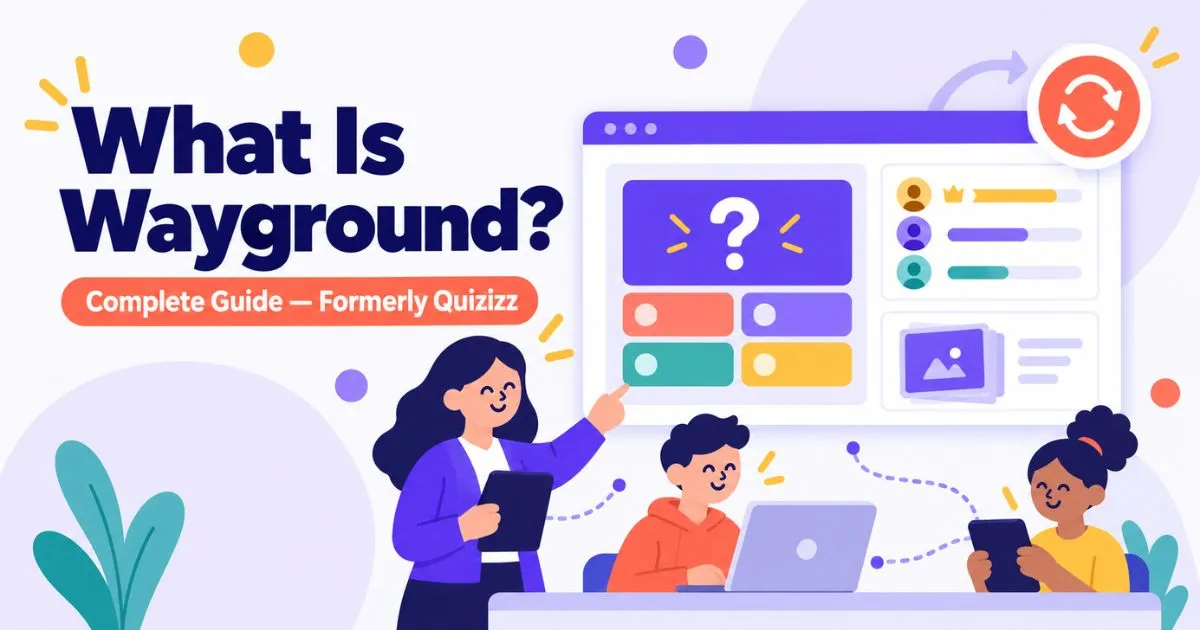
Wayground is a gamified learning platform, formerly known as Quizizz, that lets teachers create or find quizzes, lessons, and activities and deliver them to students, who join and play on any device using a code. It’s used mainly in schools, works on both web and mobile, and has a free plan alongside paid options.
If you’ve heard the name and weren’t sure what it actually does, this guide walks through the whole thing: what Wayground is, how it works for teachers and students, what it costs, and how it compares to similar tools.
Wayground at a glance
| What it is | Gamified learning and assessment platform |
| Formerly called | Quizizz |
| Launched | 2015 (rebranded to Wayground in June 2025) |
| Founder & CEO | Ankit Gupta |
| Used in | 150+ countries; around 90% of U.S. schools (per the company) |
| Platforms | Web, iOS, Android |
| Cost | Free plan available; paid plans add features |
| Who it’s for | Teachers and students, mostly K–12 |
What is Wayground?
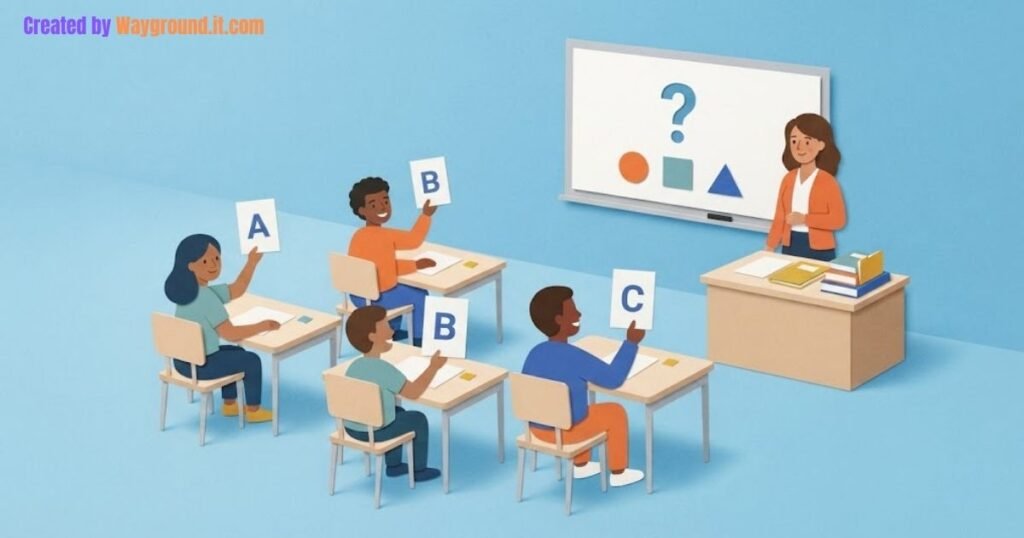
Wayground is a tool teachers use to run interactive quizzes, lessons, and activities that students play through on their own devices. Instead of a worksheet, the class answers questions in a game format, with points, a leaderboard, and instant feedback.
It started in 2015 as Quizizz, a simple quiz app. Over ten years it grew into something broader: slides, flashcards, videos, reading passages, full lessons, and reporting for teachers. In June 2025 the company renamed it Wayground to reflect that it had moved well past quizzes. If you want the full story of the name change, see our guide on Quizizz to Wayground.
How does Wayground work?
There are two sides to it: the teacher who runs the activity, and the students who join it.
For the teacher:
- Create a quiz or lesson from scratch, generate one with AI, or pick a ready-made one from the library.
- Choose how to run it: a live session where everyone plays together, or an assignment students finish on their own time (homework mode).
- Share the game code or link with the class.
- Watch the results come in and review reports afterward.
For the student:
- Go to the join page and enter the code the teacher gives out.
- Type in a name.
- Answer the questions and see how you’re doing against the class.
Students usually don’t need an account to join a live game. A code and a name is enough. Full steps are in our how to join a Wayground game guide, and if you run into sign-in trouble, the login help page covers the common fixes.
What can you do with Wayground?
The platform covers more than quizzes now. The main things teachers use it for:
- Quizzes and assessments with several question types.
- Lessons and slides that mix instruction with checks for understanding.
- Flashcards and practice for review and revision.
- Interactive video where questions appear inside a clip.
- AI generation that turns a file or topic into a quiz, slides, or flashcards.
- Accommodations like translation, read-aloud, and a dyslexia-friendly font.
- Reports that show who answered what, so teachers can spot who needs help.
The different ways students can play are covered in our game and activity modes guide, and setting work for later is explained in homework mode.
Who uses Wayground?
Mostly teachers and students in K–12 schools, though it also turns up in higher education, tutoring, and corporate training. Teachers like it because it gives a quick read on what the class actually understands. Students tend to like it because answering questions feels more like a game than a test.
Is Wayground free?
Yes. There’s a free plan that covers the core features for teachers and students. Paid plans add extras like deeper reporting, more content formats, and admin controls for schools and districts. Students joining a game never pay anything, and they don’t need a paid account to take part.
How do students join a game?
Students join with a code. The teacher starts a game, shares the code, and students enter it on the join screen along with a name. It works on a phone, tablet, or laptop. There’s no app requirement for joining, though the mobile app is available if you prefer it. See the step-by-step in our join a game guide.
How does Wayground compare to Kahoot, Blooket, and Gimkit?
All four are classroom game platforms, but they lean different ways. Wayground puts more weight on lessons, reporting, and self-paced work. Kahoot is built around fast live rounds. Blooket and Gimkit focus more on arcade-style game modes that students find fun. Which one fits depends on whether you want assessment depth or pure engagement. We break each one down in Wayground vs Kahoot and the other comparisons.
Is Wayground safe for students?
Wayground is built for classroom use and is used across a large share of U.S. schools, which means it operates under school data and privacy expectations. Whether it fits your school’s specific rules is worth checking against your own policies. We go into the detail on the is Wayground safe page.
Frequently asked questions
What is Wayground used for?
Teachers use it to run quizzes, lessons, and activities that students play through on their devices, with instant feedback and reports.
Is Wayground the same as Quizizz?
Yes. Wayground is the new name for Quizizz. The rebrand happened in June 2025, and existing accounts and content carried over.
Do students need an account?
No. Students can join a live game with just a code and a name. Teachers need a free account to create and host.
Is Wayground free to use?
Yes, there’s a free plan. Paid plans add more features and reporting for
teachers and schools.
What devices does Wayground work on?
It works in a web browser and has apps for iOS and Android.






Pingback: How to Host a Wayground Game (Live or Homework)
Pingback: Quizizz Is Now Wayground: What Changed
Pingback: Wayground Login: How to Sign In (+ Fix Problems)
Pingback: Wayground vs Blooket: Which Is Better? (2026)
Pingback: Wayground vs Gimkit: Which Is Better? (2026)
Pingback: How to Use Wayground: Features & Guide
Pingback: How to Create a Quiz on Wayground: Complete Guide
Pingback: Wayground Help: Complete Troubleshooting Guide