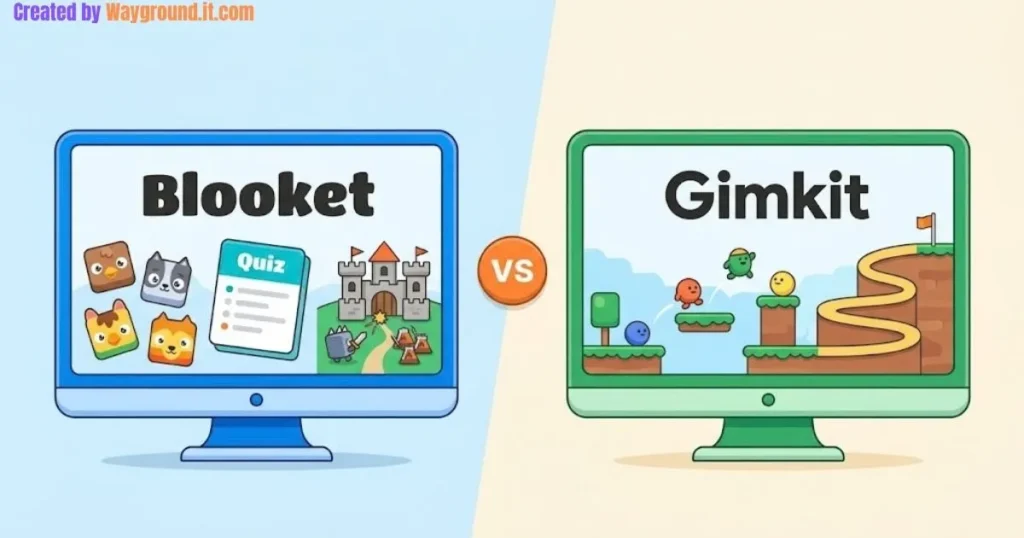

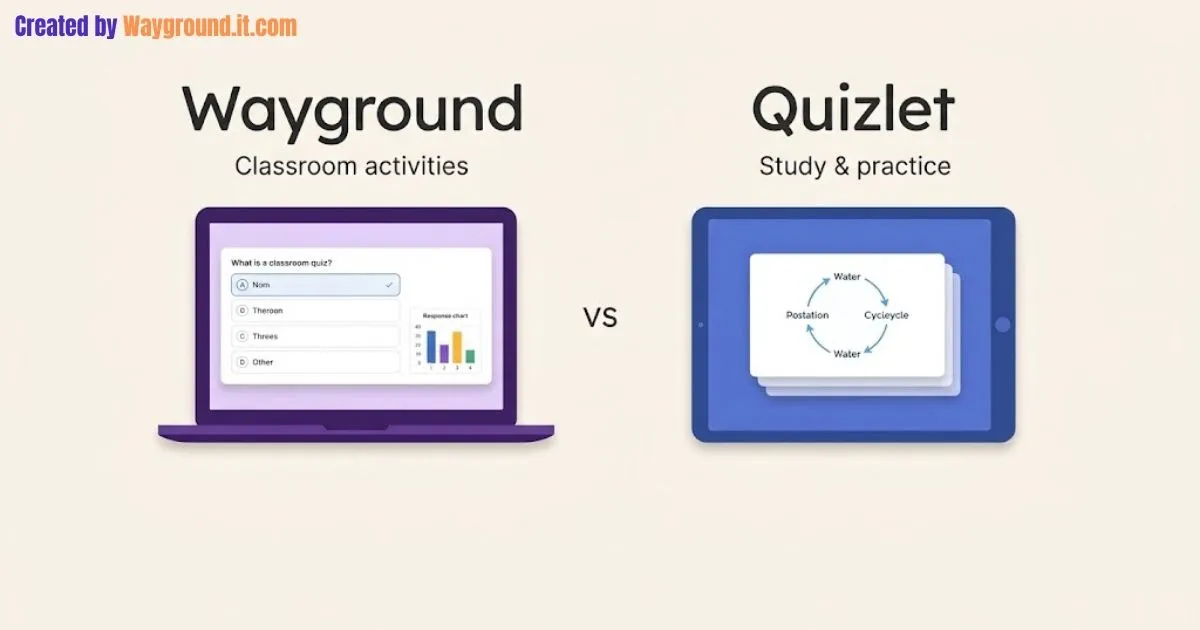
Choose Wayground for a teacher-managed mix of assessments, lessons, and classroom activities. Choose Quizlet when your main task is creating study sets and practicing material through flashcards and related study modes. Both also support live play and independent work, so the best choice depends on what students need to do.
The familiar “games versus flashcards” comparison misses how much these platforms overlap. Wayground, formerly Quizizz, has flashcards; Quizlet has classroom games, assignments, and progress tracking.
This independent Wayground vs Quizlet guide compares the practical differences, explains free-access conditions, and shows how to choose a tool for your next lesson.
What is the main difference between Wayground and Quizlet?
Wayground organizes much of the teaching workflow around resources and sessions. Quizlet centers study around sets of terms and definitions that learners can practice in different ways. Both cover more than those starting points, but the distinction helps you choose where to build your materials.
Wayground supports assessments, presentations, passages, interactive videos, and flashcards. Its resource overview describes that range; our complete Wayground guide explains how the pieces fit together.
Quizlet makes it straightforward to create a term-and-definition set, then study those cards. Its Flashcards documentation includes shuffling, audio playback, and sorting cards into “Still learning” and “Know” groups.
| Question | Wayground | Quizlet |
|---|---|---|
| Suggested starting use | Classroom instruction and assessment | Study sets and repeated practice |
| Flashcards available? | Yes | Yes |
| Live classroom play? | Teacher-led and student-paced options | Classic Live team and individual games |
| Work outside class? | Assigned activities | Independent study and Assignments |
| Teacher evidence | Session reports; access depends on plan | Assignment results and paid Class Progress |
| Important free-access check | Resource limits and regional features | Study mode, class membership, and access route |
These are differences in emphasis, not exclusive capabilities. Wayground documents live and assigned flashcards, while Quizlet documents homework and classwork Assignments.
How do you choose the right platform for your lesson?
Start with the learning task, then check delivery, student access, and the evidence you need afterward. A vocabulary review and a mixed-question assessment require different preparation. I recommend comparing one small activity in each platform before moving a whole unit or asking students to adopt another account.
- Define the outcome. For a set of biology terms or Spanish vocabulary, start by considering Quizlet. For a lesson combining explanation, questions, and follow-up assessment, consider Wayground.
- Choose the classroom format. Decide whether students should move together, work independently, or discuss answers in teams. Wayground supports teacher-led and student-paced live sessions; see its live-mode documentation.
- Check the game requirements. Quizlet’s Classic Live teams mode needs at least four players and six term–definition pairs. Each player needs a device, and the teacher starts the game on the website. Those requirements come from the Classic Live setup guide.
- Preview the student journey. Open the activity using the same access route students will use. Confirm that instructions, answer formats, and any subscription prompts match your plan.
- Inspect the results. Complete a short trial activity and check whether the report answers your actual question. “Did everyone finish?” and “Which misconception needs reteaching?” require different evidence.
For an activity you already have in Wayground, our hosting guide covers live sessions and assignments. Compare the available game modes before rebuilding familiar content elsewhere.
How would each platform handle the same classroom topic?
A water-cycle lesson shows how the choice changes with the task. Flashcards can help students recall process names, while an assessment can ask them to apply those names to an observation. Either platform can support useful practice; the quality of the question matters alongside the tool.
Use a study set to establish the vocabulary
These original term-and-definition pairs are ready to adapt:
- Evaporation: Liquid water changes into water vapor.
- Condensation: Water vapor changes into liquid water.
- Precipitation: Water falls from clouds as rain, snow, sleet, or hail.
- Transpiration: Plants release water vapor, mainly through their leaves.
Quizlet’s set-creation workflow places terms and definitions in separate columns. Students can review the set, then explain each process aloud before revealing the definition.
These four cards form a starter set. Add at least two relevant pairs before using Classic Live teams mode, which requires six.
Wayground also lets teachers create flashcards, including cards with images, audio, or equations. A class already using Wayground may not need another platform just to review vocabulary.
Use a question to check application
Try this original assessment item:
Water droplets form on the outside of a cold glass. Which process explains them?
A. Evaporation · B. Condensation · C. Precipitation · D. Transpiration
Answer: B. Water vapor in the surrounding air cools and becomes liquid on the glass. Ask students where that water came from to check whether they can explain the answer.
Wayground’s reporting documentation describes participant, question, overview, and standards views. Available detail depends on your plan, so inspect your account before relying on a particular report.
Quizlet Assignments also provide student and question-level results. The choice is therefore about which workflow supports your lesson and follow-up, rather than whether one platform has any data at all.
If you build the application check in Wayground, follow our quiz-creation walkthrough. Keep the vocabulary review short enough to leave time for explanation.
What free-plan limits and comparison mistakes matter?
Compare the access students will actually receive, rather than treating “free” as one fixed experience. Wayground distinguishes Starter features from paid features and flags regional differences. Quizlet’s access changes between independent study, teacher-managed classes, and Assignments. Those differences can affect your lesson more than a headline subscription price.
Check Wayground’s resource and reporting limits
The Starter plan guide lists a 20-resource storage limit, basic question types, and basic class-level reports. It also marks several features, including storage, as region-dependent.
Avoid assuming that every reporting feature shown in a product demonstration comes with a free teacher account. Check the features offered to your account and school before building a reporting routine around them.
Check how students enter Quizlet study modes
For ordinary independent use, Quizlet documents a limited free Learn session and one free Test per flashcard set for nonsubscribers. See its Learn guide and Test guide.
There is a classroom exception: students receive unlimited, ad-free Learn and Test access when logged in, enrolled in a teacher-administered class, and opening its sets from the class page. Quizlet explains the conditions in its free student access guide.
Quizlet also says Assignments remove ads and study limits. Its Assignment documentation states that individual progress remains available during an activity and for up to 10 days afterward; overall class progress remains available after that.
Compare the right reporting features
Quizlet’s separate Class Progress feature requires Quizlet Plus for teachers and tracks study activity and commonly missed terms. Its documentation describes Quizlet as a study tool rather than an assessment tool.
For either platform, review what students answered before treating completion or a game score as evidence of understanding. Also check renewal terms and whether your school already provides access before purchasing an individual subscription.
What do teachers ask about Wayground and Quizlet?
Most questions concern flashcards, homework, cost, and whether two tools are necessary. The answers depend on the activity and account setup. Use these distinctions to narrow your choice, then preview a student session before assigning work to the whole class or paying for additional features.
Is Wayground better than Quizlet?
Wayground is the stronger starting point for a teacher-managed mix of lessons, assessments, and activities. Quizlet is a natural choice for study sets and repeated practice. Choose the workflow that fits your task, then verify access and reporting.
Does Wayground have flashcards?
Yes. Teachers can create flashcards and deliver them live or as assigned practice. You do not need to switch to Quizlet solely for this format; compare the study experience and account features your students would actually use.
Can Quizlet be used for homework?
Yes. Quizlet Assignments let teachers share study activities with start and end dates. Students can join using a link or passcode without logging in. Signed-in accounts are needed for reminder notifications, according to Quizlet’s Assignment documentation.
Are both platforms free?
Both offer free access, with limits and conditions. Wayground has a Starter plan with region-dependent features. Quizlet offers free study options and classroom access routes, while subscriptions unlock additional features. Check your intended activity before deciding to pay.
Should a teacher use both?
Using both can make sense when students already study with Quizlet and the class uses Wayground for assessments. Start with one if it covers your needs. Add another only when its benefit outweighs the extra setup and navigation.
Which should you try first?
Choose one upcoming lesson and build a short activity. Check student access, complete it, and inspect the results before expanding. For more options beyond this Wayground vs Quizlet comparison, explore our Wayground alternatives guide.