
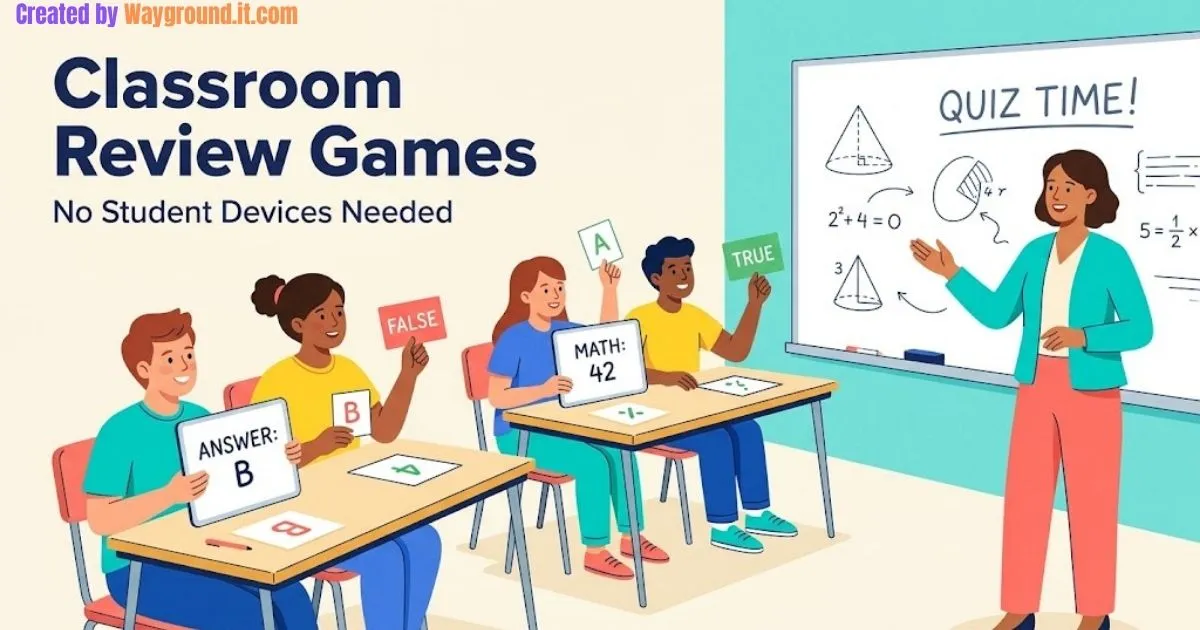
Classroom review games without student devices can run with mini whiteboards, paper cards, a chalkboard, or one shared screen. Start with a simultaneous whiteboard challenge for quick checks, a vocabulary drawing game for word review, or a projected quiz when you want a game-show feel.
A missing Chromebook cart does not have to cancel your review lesson. The harder problem is making sure everyone thinks, rather than letting three confident students answer for the room.
This guide covers six practical formats, clear rules, and a ready-to-use review sequence. Some need no technology at all; others use only the teacher’s equipment.
Which review games work without student devices?
The most useful options give every student something to write, choose, explain, or sort. Paper response games work without electricity, while projected activities use a teacher’s computer and shared display. Choose your format by the evidence you need: individual answers, group explanations, or a quick check of vocabulary.
| Review format | Equipment | Useful for | Main limitation |
|---|---|---|---|
| Whiteboard reveal | Mini whiteboards or scrap paper | Seeing every answer | Teacher records results manually |
| Vocabulary sketch | Paper and pencils | Explaining terms visually | Some concepts are hard to draw |
| Error detective | Printed problems or board | Checking reasoning | Needs carefully chosen mistakes |
| Category challenge | Paper slips and category labels | Sorting related concepts | Guessing can look like understanding |
| Projected quiz | Teacher computer and display | Whole-class review | Shared answers can hide gaps |
| Scanned response cards | Printed cards and teacher equipment | Recording individual choices | Requires setup and suitable questions |
The learning principle is retrieval: students bring earlier learning to mind before checking an answer. Cognitive scientist Pooja Agarwal and colleagues recommend keeping retrieval practice low stakes and providing feedback in their retrieval practice guide.
How do you run these classroom review games?
Use a short, repeatable routine: present a question, allow independent thinking, collect responses, and discuss the answer. Add a simple challenge after that routine works. The six formats below include suggested rules you can adjust to your class; their timings are planning suggestions, not fixed requirements.
1. Whiteboard reveal
- Give each student a board or reusable paper sleeve.
- Ask one question and allow quiet thinking time.
- Say “show” so everyone reveals an answer together.
- Discuss a common error before the next question.
Make it a class challenge: earn a shared point when everyone attempts the question and corrects their work. Avoid awarding points only to the first student finished.
2. Vocabulary sketch and explain
- Give pairs a term from the current unit.
- One student sketches without writing the word.
- The partner identifies it and explains a relevant detail.
- Swap roles with a different term.
For “evaporation,” a sun above water is only the start. Ask the partner to explain that liquid water changes into water vapor; artistic skill should not determine the score.
3. Error detective
- Display a worked answer containing one deliberate mistake.
- Students identify the error independently.
- Pairs compare corrections.
- Invite an explanation and reveal the corrected solution.
Try 3 × (4 + 2) = 14. The correction is 18, because the addition inside parentheses comes first; award credit for explaining the order, not merely replacing the number.
4. Category challenge
- Prepare category headings and a small set of example cards.
- Give students time to make their own initial choices.
- Groups arrange the cards and defend one placement.
- Review ambiguous or disputed examples together.
For a geometry review, sort triangles by side lengths using cards marked 3, 3, 3, 3, 3, 4, and 3, 4, 5. Ask students to justify equilateral, isosceles, and scalene placements.
5. Projected quiz with an answer sheet
Wordwall’s official features guide describes teacher-led activities on a shared device and printable versions of many templates. Available templates and printing options depend on the account.
- Open and preview a suitable quiz on the teacher’s computer.
- Give everyone a numbered answer sheet.
- Collect written choices before a student selects the onscreen answer.
- Pause to explain any item that splits the class.
6. Scanned response-card challenge
Plickers uses individually assigned printed cards, which students rotate to indicate answers. The teacher scans them through the mobile app, and the platform stores results.
Run a cooperative challenge by asking the class to explain a difficult item after answering. Do not let students change their first response merely to match a neighbor.
Another option is Wayground Paper Mode, which uses projected questions and reusable Q-cards scanned by the teacher. Its official instructions explain the card system; use each platform’s own cards.
What does a useful 15-minute review lesson look like?
A useful short review moves from individual recall to explanation and finishes with a fresh check. Keep the topic narrow enough to revisit errors before class ends. The sample below reviews equivalent fractions through whiteboards and error detection, using ordinary paper if individual boards are unavailable.
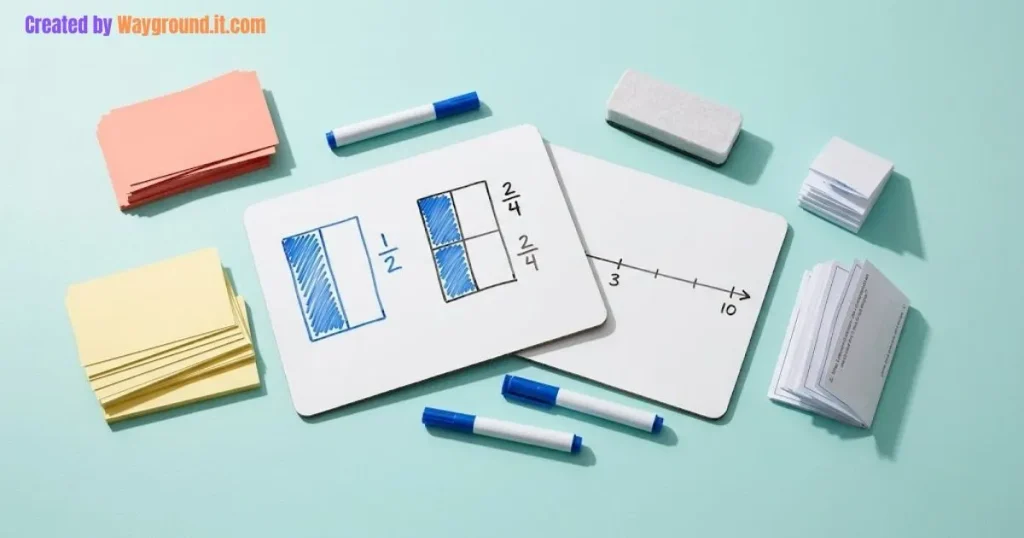
Minutes 0–2: Recall. Ask everyone to write a fraction equivalent to one-half. Accept correct alternatives, then ask how the numerator and denominator changed together.
Minutes 2–6: Reveal. Display 2/4, 3/6, and 3/8. Students identify which are equivalent to one-half and explain one choice with multiplication or a sketch.
Minutes 6–10: Investigate. Present this claim: “Adding one to the numerator and denominator keeps a fraction equivalent, so 1/2 = 2/3.” Pairs use equal-sized bar models to explain why it fails.
Minutes 10–13: Correct. Discuss the error and ask students to repair their original explanation. Keep the correction visible long enough for slower writers to finish.
Minutes 13–15: Check again. Ask students independently whether 4/10 equals 2/5, with a reason. Collect this response instead of assuming the discussion resolved every misunderstanding.
You can prepare these prompts on paper or use a quiz creation workflow to organize a reusable question bank.
What mistakes make review games less useful?
Review games lose value when speed, noise, or team points replace evidence of learning. Protect independent thinking time, avoid elimination, and plan what happens after a wrong answer. A successful round should leave you knowing what students understand and leave students knowing what to correct next.
Only one student answers. Have everyone commit to a response before the spokesperson speaks. Rotate speaking roles, but keep the individual thinking step every round.
The fastest reader always wins. Allow enough time for the question’s reading and reasoning demands. Offer spoken instructions alongside written prompts when helpful, and follow students’ established accommodations.
Incorrect answers end participation. Keep students in the activity after mistakes. Give them a correction task or a related question rather than making them watch classmates finish.
The score becomes a grade. A group win does not establish individual mastery. Use a separate exit response when you need evidence for instructional decisions.
The technology replaces the backup plan. Print the questions or keep a plain-text copy. If a projector fails, read the prompts aloud and continue with paper responses.
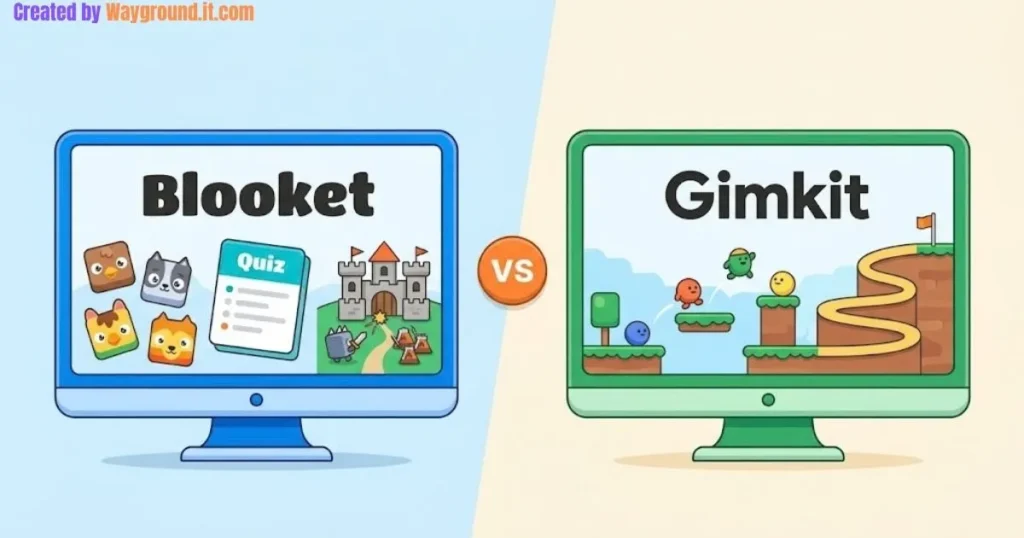
If you later introduce student devices, compare classroom quiz platforms by your actual lesson needs. Keep the same participation routine whichever tool you choose.
What do teachers ask about device-free review games?
The most common questions concern equipment, student participation, and how much preparation is necessary. Start with supplies already in your classroom and a small set of familiar questions. Add software only when its shared display or response records solve a problem that paper cannot handle as conveniently.
Can I run a review game without a projector?
Yes. Read questions aloud, write them on a board, or distribute printed prompts. Whiteboard reveal, vocabulary sketching, error detection, and card sorting all work without a projector. Make sure students can access both the question and its explanation.
Which game is easiest to prepare quickly?
A simultaneous answer reveal needs very little preparation. Choose a few questions from an earlier lesson, give students scrap paper, and establish a clear reveal signal. Save enough time to explain incorrect answers rather than racing through the list.
How can I include quieter students?
Begin with private writing before group discussion. Allow students to share a prepared sentence or show a diagram, and rotate speaking roles predictably. Avoid making participation depend on shouting first, volunteering publicly, or performing in front of the class.
Are these activities suitable for high school?
Yes, when the questions match the course. Replace basic recall with source interpretation, worked-solution analysis, or competing explanations. Keep the game rules simple so students spend their effort on the subject rather than learning an elaborate scoring system.
How do I check whether the review helped?
End with a new question that checks the same concept without copying the practice item. Collect individual responses and inspect the reasoning. Revisit the concept in a later lesson to see whether students can still retrieve and apply it.
Start with one repeatable routine. Choose whiteboard reveal or error detective, prepare a handful of focused questions, and finish with an individual check. Expand your game collection once every student knows how to think, respond, and learn from feedback.