
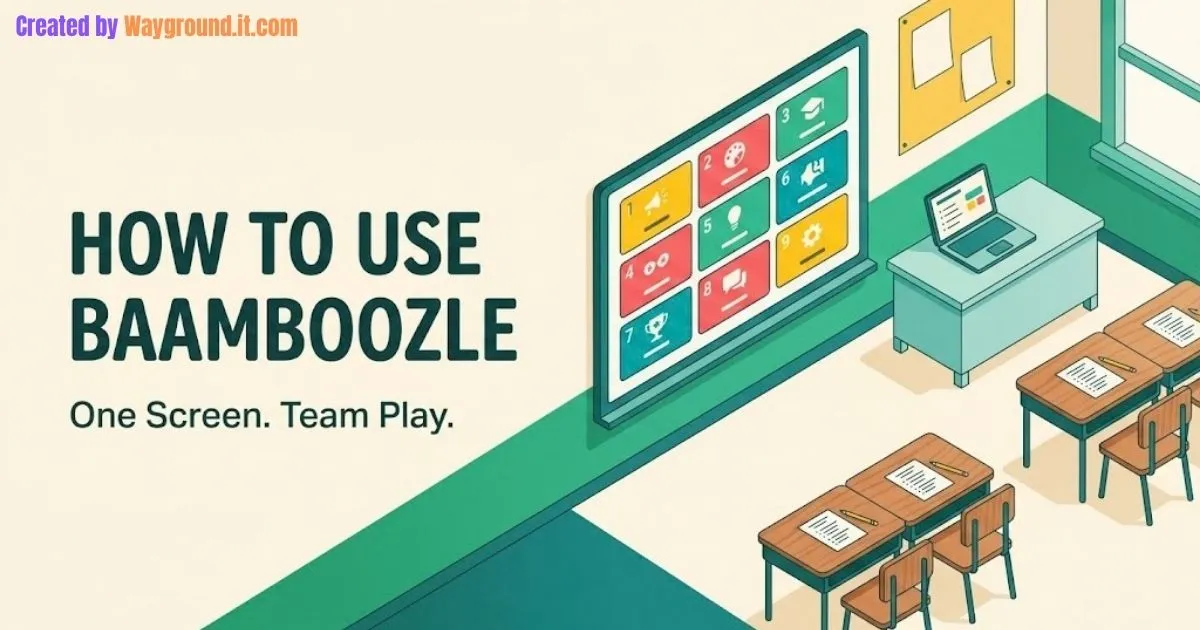
To use Baamboozle in class, open a game on your computer, display it on a shared screen, and let teams choose questions. Students answer aloud; you reveal the answer and mark the response. Students do not need their own devices or a join code for this teacher-led setup.
That makes it a practical option when you want a digital review game without distributing laptops. The preparation still matters: check the questions, decide what counts as a correct response, and give everyone something to do between team turns.
Here is how to set up your first activity, with eight original math questions you can adapt.
What do you need to play Baamboozle?
You need an internet-connected teacher computer and a display students can read. Baamboozle runs the game on that shared screen, while you control the questions and scoring. Paper or mini whiteboards are optional additions for collecting individual answers before a team responds.
Before class, check three things:
- Visibility: Can students at the back read the longest question and see its images?
- Content: Are the questions accurate, appropriate, and connected to material you have taught?
- Participation: Will students discuss, write, draw, or explain before the answer appears?
Baamboozle’s official site describes the platform as a one-screen classroom game. For other activities using the same equipment, see our review games without student devices.
How do you start a Baamboozle game?
Find a suitable question set, open its play options, and choose the basic Baamboozle game. Then organize teams and run the questions from your screen. Begin with a simple setup so students can focus on answering rather than learning several game rules at once.
- Find a game. Open Games and search for a specific skill, such as equivalent fractions, rather than a broad subject.
- Read the preview. Check the questions and answers before showing them to students.
- Open Play. Choose the Baamboozle option marked Play for Free if you want the basic game.
- Choose the available team and game settings. Divide the class into the corresponding groups.
- Let the active team select a tile. Read the question and allow thinking time.
- Hear the response, then select Check. Reveal the supplied answer after the team has committed to an answer.
- Mark the result. Use Okay for a correct response or Oops for an incorrect one, then continue.
The official beginner’s guide explains the launch process, while the on-page game instructions identify the answer-checking controls.
Before the first turn, tell students whether a correct number is enough or whether they must explain their method. Apply that rule consistently rather than changing it after a team answers.
Do students need accounts or a game PIN?
Students do not need individual accounts or a PIN to participate around your classroom screen. You open the activity and operate it; they give their responses in the room. Do not add a student sign-in step to this workflow just because other quiz platforms use one.
Class PIN is a separate feature. Baamboozle’s documentation describes it as a way for a Baamboozle+ teacher to share access to premium game features. It is not required for the shared-screen activity described here.
This distinction also helps when choosing between platforms. Our Quizlet Live setup guide covers a different arrangement, where students join on their own devices.
How do you keep everyone involved between turns?
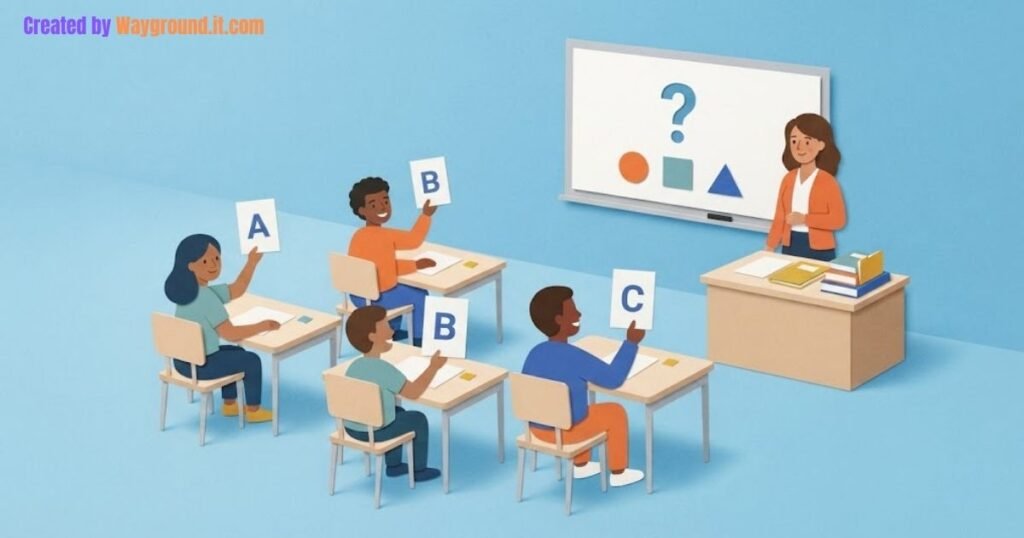
Give every student a brief response task before the active team speaks. Otherwise, a turn-based game can become a conversation between the teacher and a few confident students. The shared screen can serve the whole class, but the participation routine needs to be planned.
Try this teacher-created routine:
- Think: Everyone considers the question independently.
- Write: Students record a number, sketch, or short explanation.
- Discuss: The active team compares responses and chooses its answer.
- Explain: A rotating spokesperson gives the response and reasoning.
- Check: Reveal the answer and ask students to correct their own work.
The non-active teams still complete the first two steps. Avoid inviting them to shout answers over the active team; let them compare their work after the reveal.
Rotate who explains, rather than repeatedly accepting the quickest hand. If a student needs more time or another response format, allow a written explanation or a partner to read their answer.
What questions can you use for a first lesson?
Use a small set that checks one connected group of skills. The eight questions below review multiplication and division for upper-elementary students. They are original practice materials, not questions copied from a public game or results from a classroom trial.
The set mixes calculations, explanations, and a correction task. Adapt the numbers and vocabulary to what your class has already learned.
| Question | Answer and acceptance check |
|---|---|
| There are 6 baskets with 4 apples in each. How many apples are there? | 24 apples. Accept 6 × 4 or an equivalent model showing six groups of four. |
| Share 24 apples equally among 6 baskets. How many go in each? | 4 apples per basket. The explanation should connect 24 ÷ 6 with equal sharing. |
| Complete 7 × __ = 42. How did you find the missing number? | 6. Accept a related division fact, known multiplication fact, or a valid grouping method. |
| A student says 8 groups of 3 make 11 because 8 + 3 = 11. Fix the explanation. | 24. There are eight threes, so multiplication or repeated addition represents the situation. |
| A rectangle has 5 rows of 6 square tiles. How many tiles cover it? | 30 tiles. The response should count every row, not just the boundary. |
| You know 5 × 6 = 30. Use it to find 6 × 6. | 36. Add one more group of six to 30. |
| Write two multiplication equations using 4, 9, and 36. | 4 × 9 = 36 and 9 × 4 = 36. Both must use the given numbers correctly. |
| A teacher packs 32 pencils into bags of 4. How many bags are filled? | 8 bags. Accept 32 ÷ 4 = 8 or a matching grouping model. |
After playing, give one new question independently: “There are 7 packs of 5 stickers. How many stickers are there? Show how you know.”
The answer is 35 stickers. Read the explanation as well as the number; it gives you a separate piece of evidence from the team response.
For older students, our middle-school math review games offer other activity formats you can adapt to more advanced content.
How do you create your own Baamboozle game?
Sign in, open My Library, and select + Game. Add a descriptive title and description, then enter your question-and-answer content in the editor. Preview the finished activity before using it in class, including any pictures needed to understand a question.
- Name the specific skill in the title, such as “Multiplication and Division: Equal Groups.”
- Add one clear task per question.
- Write an answer that helps you judge acceptable responses.
- Include images only when they help students interpret the task.
- Save the game and check the preview from beginning to end.
For an explanation question, avoid a key that only says “answers vary.” Record the idea students must express, as in the examples above.
Treat the game as potentially public unless you have confirmed its visibility settings. The lesson needs subject content, not student names or private classroom records.
Should you use power-ups or treat scores as grades?
Use power-ups when surprise is part of the fun, but keep game points separate from individual grades. Baamboozle’s power-up guide describes chance events that can add, remove, swap, or reset points. That makes the final score an unreliable measure of any one student’s understanding.
For a first lesson, explain whether random score changes are part of the selected mode. If the class needs a straightforward review, use a question-focused option available in your account, or run your own score sheet without bonuses.
Even without power-ups, a team answer combines several students’ contributions. Use the individual follow-up question when you need to see what each learner can do alone.
Is the free version enough to try?
The basic game provides a way to try the shared-screen format before considering Baamboozle+. Public game pages display a free-play option, while additional formats and settings may require sign-in or an upgrade. Check the controls available in your account before planning around a particular feature.
Start with one checked set and a simple team arrangement. You can decide whether extra modes are useful after seeing how the basic activity fits your lesson.
What if you are teaching online or the screen is too small?
For a remote lesson, share the game through your video meeting and keep control of the questions. Students still need a device and connection to attend that meeting, but they do not need a separate Baamboozle device or login to respond to your shared activity.
If classroom text is too small, enlarge the page and check it from the back before playing. Read questions aloud and provide a printed version when useful; students should not have to guess at a diagram or unreadable label.
If the connection fails, use the prepared question list with paper responses and a board score. The review task can continue without recreating the game interface.
For your first session, prepare a short set, explain the response routine, and finish with one independent question. That gives you a manageable game and something useful to check after the last tile.