
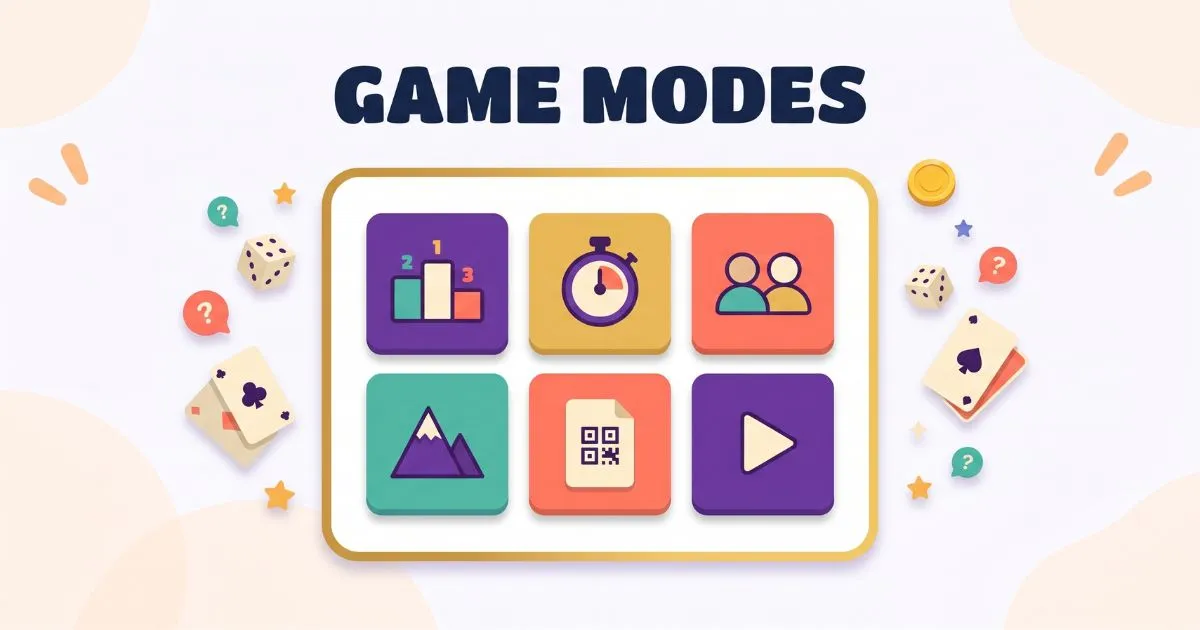
Wayground (formerly Quizizz) has several game modes: Classic, Instructor-Paced, Test, Team, Mastery Peak, and Paper Mode, plus homework. Each one changes how a session feels, from a relaxed self-paced review to a formal test. Here’s what every mode does and when to pick it.
Quick guide
| Mode | What it is | Best for |
|---|---|---|
| Classic | Self-paced play with a live leaderboard | Practice and review |
| Instructor-Paced | Teacher controls the pace, class moves together | Guided instruction |
| Test | Distraction-free, no-frills setup | Formal assessments |
| Team | Individual answers add to a team score | Group competition |
| Mastery Peak | Climb to an accuracy goal with mini-games | Mastery and revision |
| Paper Mode | Answer with printed QR cards, no devices | Classes without devices |
| Homework | Assigned with a deadline, done any time | Independent practice |
Classic Mode
The most-used mode. Students play at their own pace while you watch a live leaderboard update in real time. It’s relaxed enough for practice but still competitive, and it has a Strike and Shield feature that adds a player-vs-player twist. If you want one dependable mode for everyday review, this is it.
Best for: low-stakes practice and review.
Instructor-Paced Mode
Here you drive. The whole class moves through the questions together at your pace, which makes it ideal for teaching a new concept step by step. You can use the interactive whiteboard to explain ideas, and student whiteboards let you see each student’s work in real time for on-the-spot coaching.
Best for: guided, teach-as-you-go lessons.
Test Mode
A stripped-back, distraction-free setup built for formal assessment. It removes the game flourishes so students focus only on the questions, which makes it the right choice when you’re measuring understanding rather than running a game.
Best for: quizzes, tests, and formal checks.
Team Mode
Students are split into teams. They answer at their own pace, but their individual results feed a shared team score, which brings in collaboration alongside the competition. It’s a good way to get quieter students involved without putting anyone on the spot alone.
Best for: collaborative, group-based play.
Mastery Peak Mode
The most gamified option. Students answer questions to climb a mountain toward an accuracy goal you set, reattempting the ones they get wrong. That built-in spaced repetition, plus power-ups and mini-games between checkpoints, makes it strong for genuine practice rather than a one-shot quiz. You can even pick a theme like Mt. Wayground or Mt. Kilimanjaro.
Best for: mastery, revision, and motivation.
Paper Mode
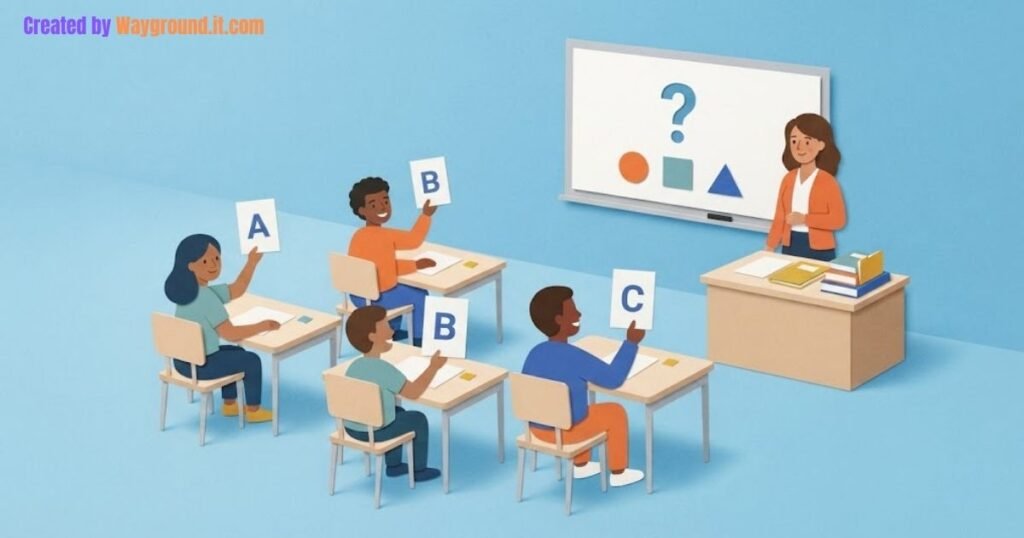
The clever one for classrooms without enough devices. Instead of everyone needing a screen, students hold up a personalized printed QR card to answer, and you scan the room with your phone to record responses. Everyone takes part with a single device in the room.
Best for: low-device or one-device classrooms.
How modes fit with live and homework
Most of these run as a live session, where you host and students join in real time. You can also assign a quiz as homework with a deadline, so students complete it on their own time. The mode sets the style of play; live-versus-homework sets the timing. For the setup, see our hosting guide at how to host a game and the homework mode guide.
Which mode should you use?
Match it to the lesson:
- Everyday review? Classic.
- Teaching something new? Instructor-Paced.
- A real test? Test Mode.
- Group activity? Team Mode.
- Practice toward mastery? Mastery Peak.
- Not enough devices? Paper Mode.
- Work for later? Assign it as homework.
If you’re still setting up your first quiz, start with how to use Wayground, and students can jump in using our how to join a game guide.
Frequently asked questions
What game modes does Wayground have?
Classic, Instructor-Paced, Test, Team, Mastery Peak, and Paper Mode, plus homework for assigned work.
What is Mastery Peak mode?
A gamified mode where students climb toward an accuracy goal, reattempting wrong answers, with power-ups and mini-games along the way.
What is Paper Mode?
A mode for classrooms without enough devices. Students hold up printed QR cards to answer, and the teacher scans them with a phone.
Which Wayground mode is best for a test?
Test Mode. It’s a distraction-free setup designed for formal assessments.
Is Wayground the same as Quizizz?
Yes. Quizizz rebranded to Wayground in 2025, so these modes apply to the same platform.