

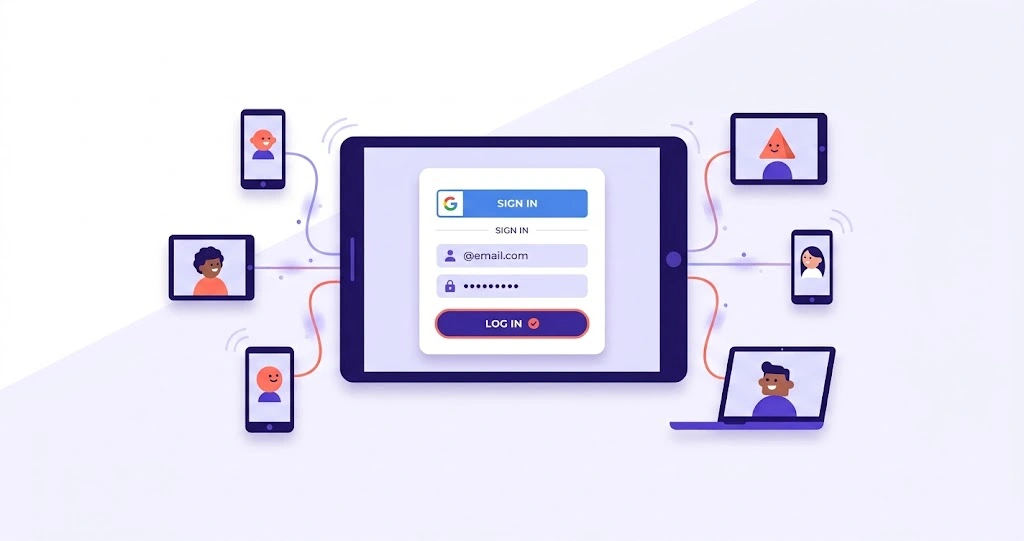
To log in to Wayground (formerly Quizizz), go to wayground.com, click “Log in” in the top right, choose your sign-in method, and enter your details. You can sign in with Google, Microsoft, Apple, a school SSO like Clever or ClassLink, a phone number, or a plain email and password.
One thing to know first: students don’t have to log in to play. If you just need to join a game, a code and a name are enough. Logging in matters mainly for teachers, and for students who have their own account through school. If you only want to join, our how to join a game guide is the quicker path.
How to log in to Wayground
- Go to the site. Open wayground.com and click Log in in the top-right corner.
- Pick your sign-in method. Choose Google, Microsoft, Apple, Clever, ClassLink, phone, or email, whichever you used to make the account.
- Enter your details. Type your credentials. If you use Google or Microsoft, you might get a verification step like a password, passkey, or a code.
- You’re in. Once accepted, you land on your dashboard with your quizzes, classes, and reports.
The single most common mistake here is picking the wrong method. If you signed up with Google, log in with Google, not email. More on that below.
Sign-in methods explained
Wayground gives you a few ways in, and the right one depends on how the account was first made:
- Google or Microsoft: the usual choice for most teachers and many students.
- Apple: sign in with an Apple ID.
- Clever or ClassLink (school SSO): used when a school sets up single sign-on. You log in through your school’s portal.
- Email and password: the plain option if you didn’t use any of the above.
- Phone number: available in some regions.
If your school uses Canvas or Schoology, you’ll usually reach Wayground through your LMS rather than logging in directly.
A quick note on the rebrand: some sign-in screens may still say “Wayground (formerly Quizizz)”. That’s normal and doesn’t mean anything is wrong. The full story is on our Quizizz to Wayground page.
Common Wayground login problems (and fixes)
Most sign-in trouble comes down to a handful of causes.
You’re using the wrong method. If you signed up with Google but try to log in by email, it won’t recognise you. Go back and use the exact method you signed up with.
Forgot your password. Use the password reset option on the login screen. For students under 13, the reset link goes to the parent or guardian email on file, not the student’s.
School Google login is blocked. Some schools restrict which apps students can sign into with their school Google account. If a student can’t log in this way, the school’s IT admin needs to mark Wayground as a trusted app in Google Workspace. Until that’s sorted, students can still join any game without signing in.
A verification prompt keeps appearing. Google and Microsoft sometimes ask for a passkey or a two-step code. Complete that prompt with the method set on your account.
You still land on an old page. Clear your browser cache or try a private window. Old Quizizz links redirect on their own, so you shouldn’t need to change any bookmarks.
If none of these fix it, the help section has more detail.
Do students need to log in?
No, not to play. Students can join a live game with only a code and a name. An account is needed if a student wants to keep their history, join a Class, or complete assignments set through school. If you’re a teacher, you do need an account to create and host anything.
What is Wayground?
If you’re new to the platform, Wayground (formerly Quizizz) is a tool teachers use to run quizzes and activities that students play on their devices. There’s a full overview on our what is Wayground page.
Frequently asked questions
How do I log in to Wayground?
Go to wayground.com, click Log in, choose your sign-in method, and enter your details. Use the same method you signed up with.
Can I log in with my old Quizizz account?
Yes. Your Quizizz account works on Wayground with the same login. The rebrand didn’t change your credentials.
Why can’t I log in with my school Google account?
Your school may not have marked Wayground as a trusted app yet. Ask your IT admin to allow it. You can still join games without signing in.
How do I reset my Wayground password?
Use the reset option on the login page. For students under 13, the reset email goes to the parent or guardian address on file.
Do students need an account?
No. Students can join a game with just a code and a name. An account is only needed for saved history and school assignments.







Pingback: How to Host a Wayground Game (Live or Homework)
Pingback: What Is Wayground? Complete Guide (Formerly Quizizz)
Pingback: How to Join a Wayground Game (Step by Step)
Pingback: Wayground Code: How to Find and Enter It
Pingback: How to Use Wayground: Features & Guide
Pingback: How to Create a Quiz on Wayground: Complete Guide
Pingback: Wayground AI Quiz Generator: Complete Teacher Guide
Pingback: Wayground Help: Complete Troubleshooting Guide