
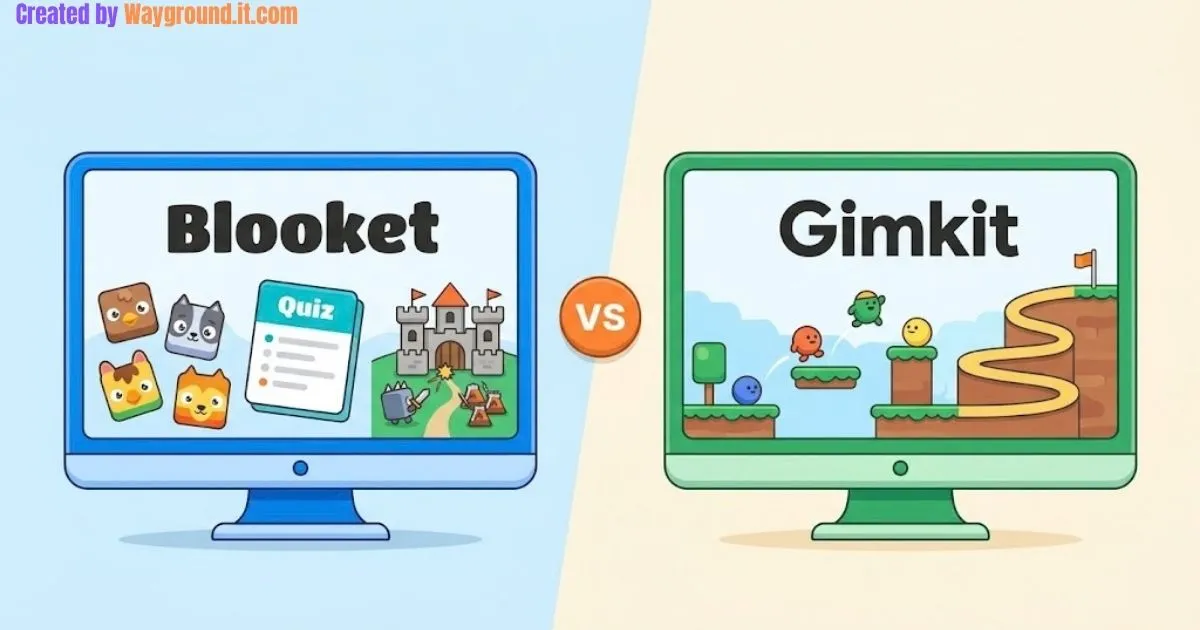
Choose Blooket if you want classroom review games and free homework assignments. Choose Gimkit if its interactive 2D game worlds suit your lesson and you can work within rotating free modes or pay for Pro. Both combine questions with gameplay, so your decision should come down to the specific mode, budget, and evidence of learning you need.
Can your whole class join? Will homework work after a trial ends? Can you identify mistakes afterward?
This independent Blooket vs Gimkit guide answers those questions using official documentation checked in September 2026. It compares published features rather than claiming results from a classroom trial.
What is the difference between Blooket and Gimkit?
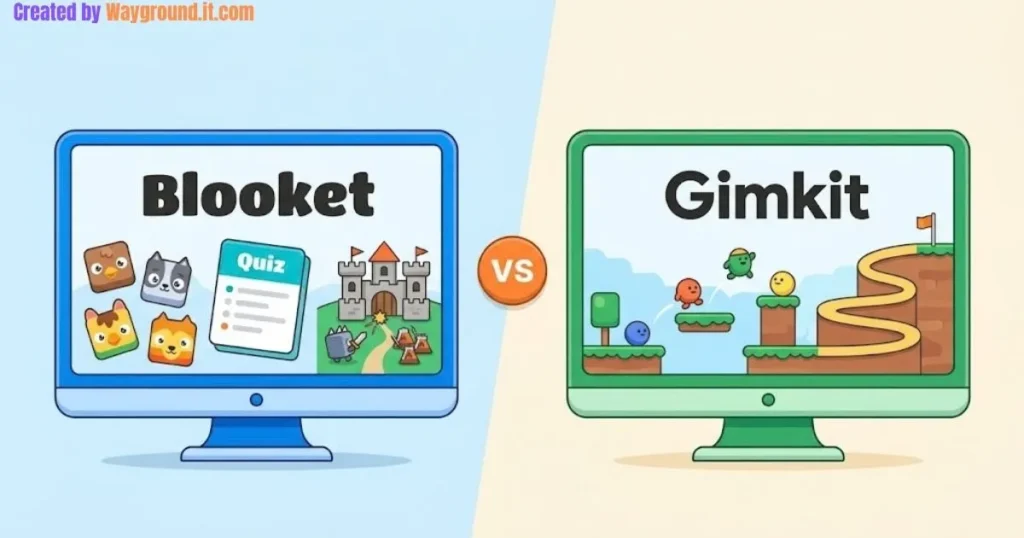
Blooket and Gimkit both turn question sets into playable activities. Blooket offers varied formats, including straightforward quizzes, resource management, and tower defense. Gimkit includes interactive 2D worlds where answering supports movement or other actions. The distinction is the experience within each mode, rather than one platform teaching while the other only entertains.
Blooket calls its question collections “sets,” while Gimkit calls them “kits.” Your choice of game matters as much as the platform.
For example, Blooket’s Classic mode emphasizes quick, accurate answers. Café adds resource management, while Tower Defense involves building defenses. Its official mode previews identify different demands, including strategy, speed, luck, and dexterity.
Gimkit’s game-mode documentation describes activities such as One Way Out, a cooperative spaceship escape, and Don’t Look Down, an obstacle-course climb. These introduce controls and game objectives alongside the academic questions.
| Classroom decision | Blooket | Gimkit |
|---|---|---|
| Starting without payment | Starter plan includes live games and homework | Basic includes rotating featured modes and reports |
| Whole-class participation | Standard Starter limit: 60 players; check the selected mode | Published 2D limit: 60; Basic limits Pro-exclusive modes to 5 |
| Assigned homework | Included; Starter deadlines up to 14 days ahead | Assignments require Pro |
| Reports | Game summaries; enhanced question-level analysis with Plus | Reports included with Basic |
| Main reason to upgrade | Enhanced reporting, additional modes, and other features | Consistent access to all modes and assignments |
These limits come from Blooket’s Plus overview, Gimkit’s Pro FAQ, and its player-limit guidance. Check your chosen mode before scheduling a lesson, since general plan limits do not describe every game.
How should you choose one for your classroom?
Choose by checking your lesson goal, class size, homework needs, and available plan before comparing visual appeal. Then run a short pilot with familiar content. A useful platform should support practice and leave time to address mistakes afterward.
- Name the learning goal. Write something observable, such as identifying equivalent fractions or matching science terms to accurate definitions. “Keep students busy” gives you no useful basis for comparing tools.
- Choose a mode that fits. Read its instructions before building the lesson around it. If navigating an unfamiliar world would overwhelm the practice task, start with a simpler format.
- Check the actual access rules. Gimkit’s five-player restriction applies to Pro-exclusive modes on Basic, not every free game. Featured modes allow whole-class play within the applicable player limits.
- Decide whether homework matters. Blooket includes assignments without an upgrade. Gimkit’s assignment feature requires Pro, so an unpaid live-game trial does not establish that it will meet your homework needs.
- Inspect the report you will use. Find out whether your plan shows the information you need for tomorrow’s lesson. Do not assume a paid screenshot represents the free account.
- Prepare a fallback. Check school-device access and have a paper response option ready. Our classroom review games without student devices guide offers alternatives when individual screens are unavailable.
Before subscribing, compare the current checkout total, billing period, and renewal terms. Choose annual billing only if the features will remain useful beyond one unit.
Which game features make a practical difference during lessons?
The most useful features are those that change participation, practice, or your next teaching decision. Consider how students answer, what they do between questions, and what you can inspect after play. A cooperative objective, an individual accuracy measure, and a homework deadline solve different classroom problems.
Game mechanics change the task
Blooket’s Gold Quest combines answering with gaining and taking gold. That makes final standings a different measure from answer accuracy. Use the game result to celebrate play, then examine responses separately when deciding what students understand.
Gimkit’s One Way Out gives players a shared escape objective. For a class practicing collaboration, that structure offers a reason to communicate, although you still need to check each learner’s understanding afterward.
Neither example proves that one platform improves achievement more. They show why the selected mode deserves more attention than a general “best platform” label.
Reports should lead to a teaching action
Blooket’s reporting guide describes class accuracy and player statistics. Question-level breakdowns and more detailed individual reports belong to Plus; spreadsheet downloads also require Plus.
Gimkit includes reports on Basic. Rather than assuming either tool replaces assessment, identify the question you want the report to answer: who needs another explanation, which item was unclear, or whether the class is ready to move on.
Our formative vs summative assessment guide explains how that next teaching action determines the role of the evidence you collect.
A short pilot makes the choice concrete
Use this suggested pilot with either platform; it is a planning routine, not a reported classroom experiment:
- Select six to eight questions covering one previously taught skill.
- Demonstrate the controls and complete one example together.
- Run a brief round, watching for students who struggle with instructions rather than content.
- Finish with one new question answered individually, outside the game.
- Compare those explanations with the game report before planning follow-up teaching.
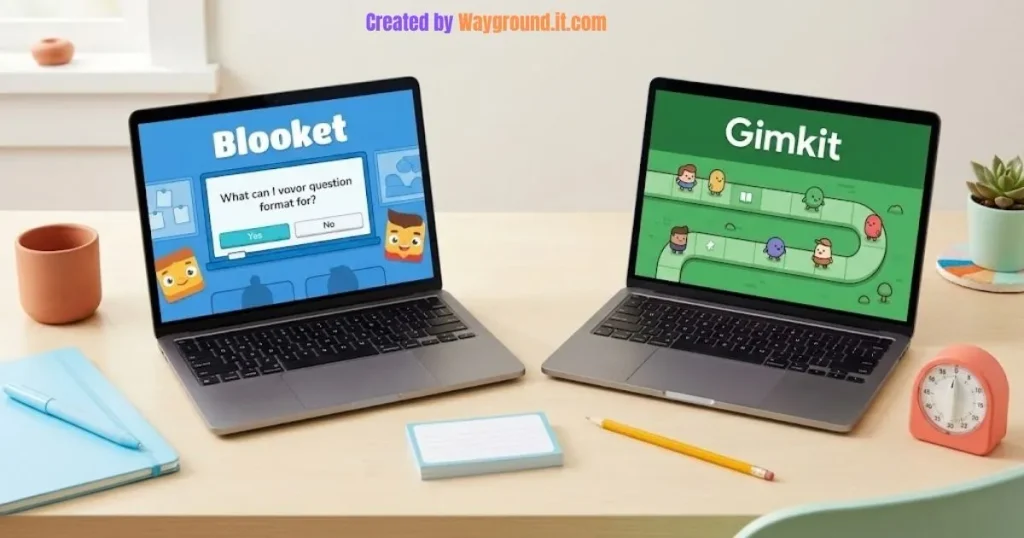
For vocabulary practice, include a sentence that requires students to apply a word. Our middle school vocabulary games article offers ways to move beyond definition matching.
What mistakes should teachers avoid when comparing them?
Avoid choosing from game counts, cartoon styles, or a single leaderboard screenshot. Those shortcuts can hide the differences that affect your lesson: paid restrictions, reading demands, controls, and access to useful reports. Compare the mode and plan you will actually use, with the students you actually teach.
Do not treat a trial as the permanent free plan. Gimkit says new educator accounts receive a 14-day Pro trial. Check which features remain on Basic before making an activity part of your weekly routine.
Do not assume cartoons determine the age range. Read the questions, test the controls, and consider your students’ familiarity with the activity. A younger student may need help navigating, while an older student may enjoy a straightforward review round.
Do not use the winner’s score as a grade. Game-specific rewards, strategic choices, repeated attempts, and speed can complicate interpretation. Use a separate response when you need an individual explanation or an independent demonstration of the skill.
Do not overlook content quality. Check shared question sets for ambiguous wording, incorrect answer keys, and vocabulary students have not learned. A polished game cannot repair a flawed question.
For a wider shortlist, see our classroom learning platform alternatives, which includes tools suited to different teaching tasks.
What else do teachers ask about Blooket and Gimkit?
Teachers commonly ask about cost, homework, student accounts, and age suitability. Those questions are easiest to answer when you separate platform access from individual game restrictions. The answers below focus on practical classroom use and distinguish included features from options that depend on a paid subscription.
Is Blooket or Gimkit better for free classroom use?
Blooket is the more straightforward starting point if free homework is essential. Gimkit Basic can support live classroom play through featured modes, but its mode selection rotates and assignments require Pro. Choose around the activity you need regularly.
Can more than five students play Gimkit for free?
Yes. Basic accounts can host featured modes for a class within the relevant player cap. The five-player restriction applies to Pro-exclusive modes on Basic. Gimkit separately publishes a 60-player cap for its 2D modes.
Can both platforms assign homework?
Yes, but the payment requirements differ. Blooket Starter supports homework deadlines up to 14 days ahead. Gimkit assignments require Pro and use eligible individual 2D modes. Check the selected activity before promising students a particular homework experience.
Do students need accounts to participate?
Students can join ordinary live games on either platform without creating accounts, according to Blooket and Gimkit. Some account-based features differ: Gimkit requires student accounts for classes and cosmetic progression. Follow your school’s process when using those features.
Which platform is better for elementary students?
Neither platform is automatically better for every elementary class. Choose a mode with manageable reading, clear instructions, and controls students can use independently. Start with a short demonstration, then watch whether the game helps students practice or distracts them.
Start with one lesson. Choose Blooket when free assignments matter; consider Gimkit when a particular interactive mode fits your goal. Pilot it, inspect the responses, and keep the tool that helps you decide what to teach next.